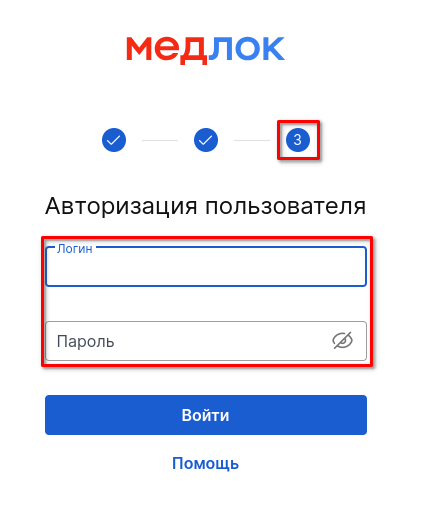
To restore access to the employee's profile, you will need a form with access rights for medlocks.
To restore access, you will need the login and password of the system administrator. The login starts with sys_, and the password contains 8 characters.
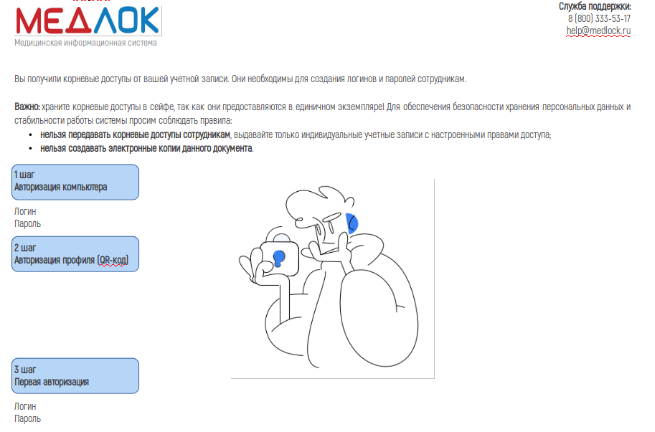
1. Enter the username and password from the card at the 3rd authorization step.
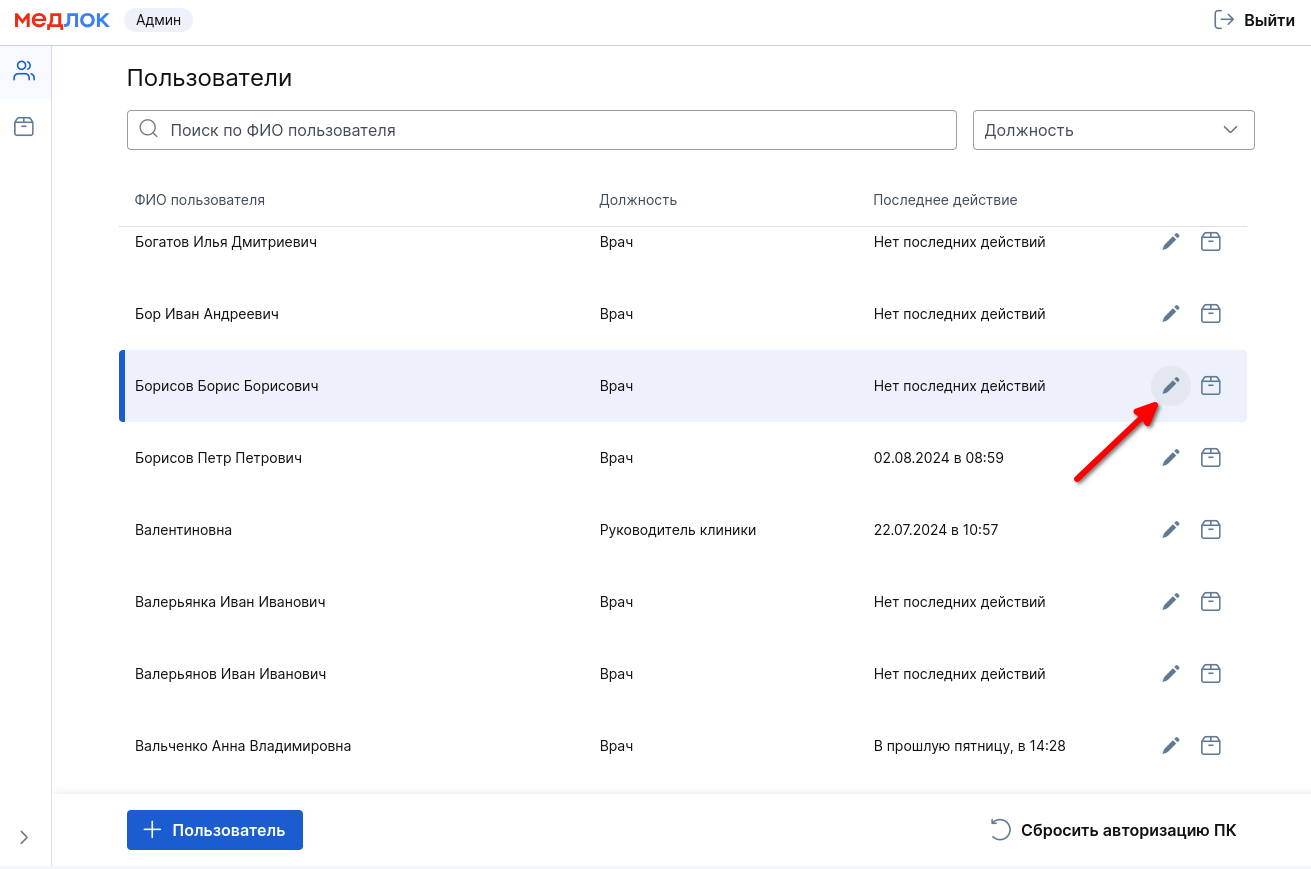
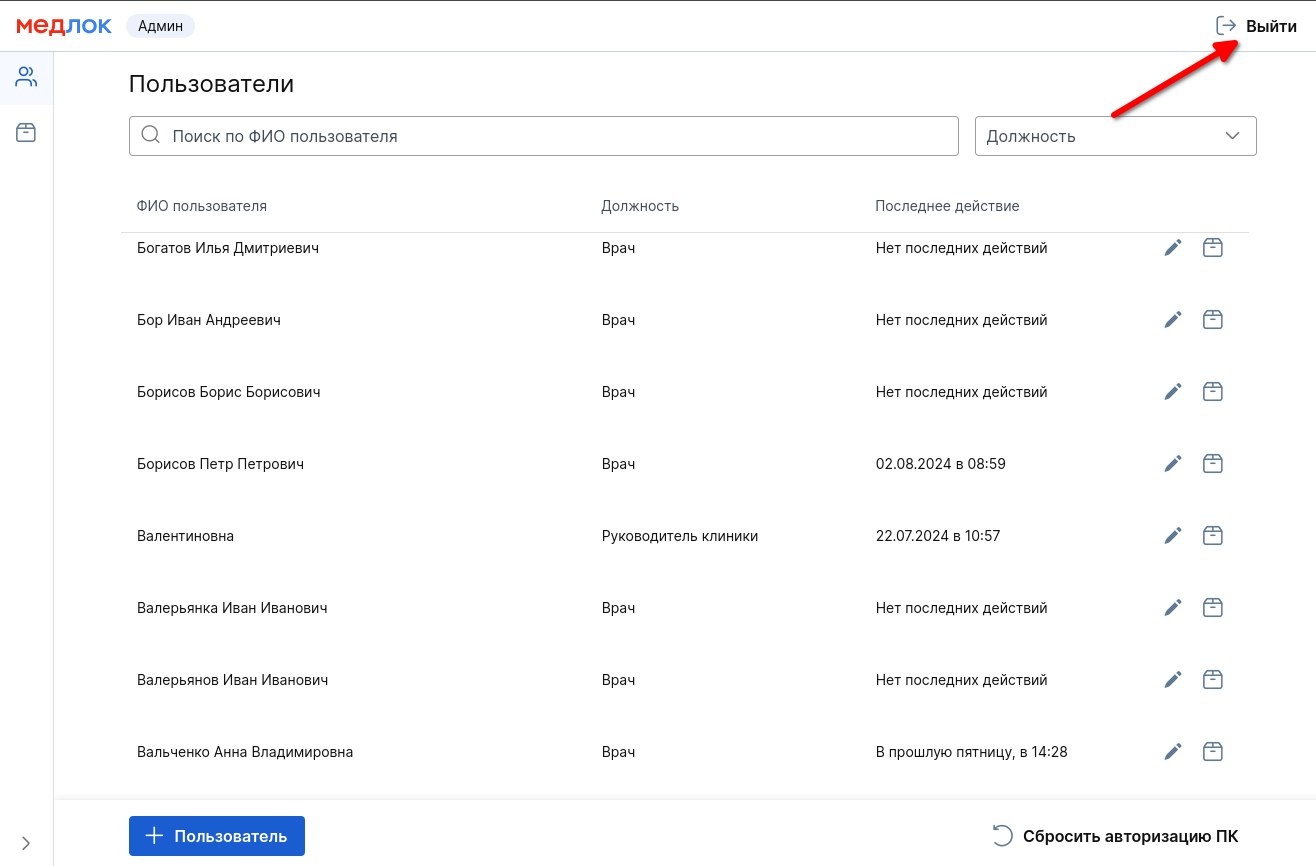
You will be taken to the Medlock Admin page, where you will see a list of all users.
2. Find the employee in the list whose access needs to be restored and click the edit button on the right.
3. In the window that opens, click «Сменить пароль».
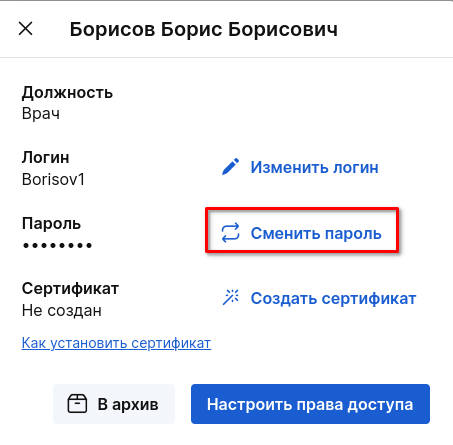
The program will create a new password, and you will see it on the screen.
4. Click on the exit button in the upper-right corner and confirm the action to log out of the Medlock Admin profile.
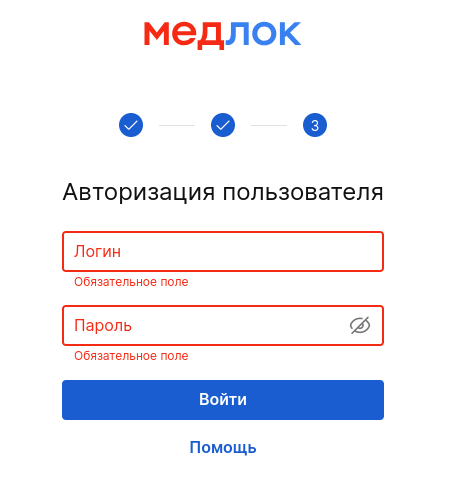
5. You will return to step 3, where you need to enter the username and new password that the program generated earlier.